
Create Database using the SQL Server Management Studio GUI
SQL Server Version: 2016
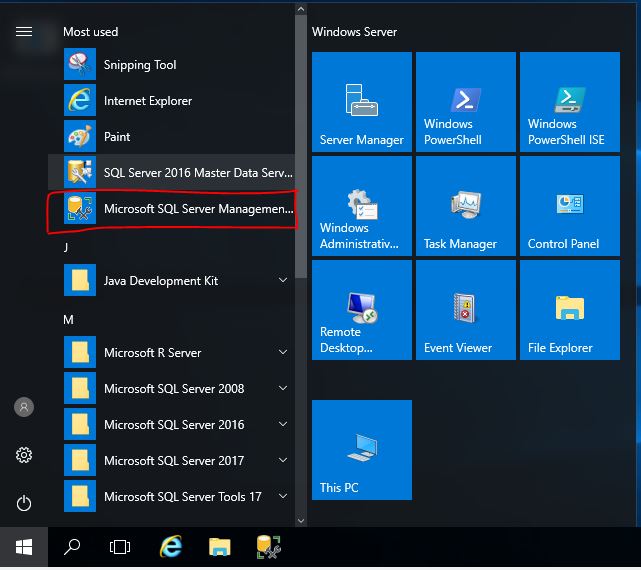
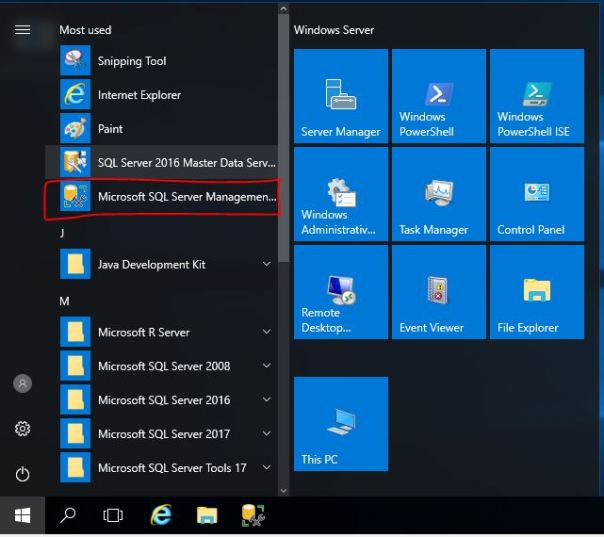
1. Click on SQL Server Management Studio GUI
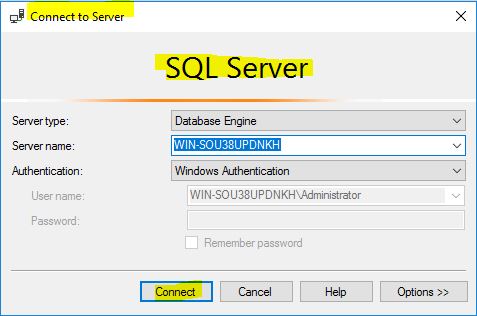
2. Login
3. Create New Database
Ensure that the correct server is expanded in the Object Explorer.
Caution: Your use of any information or materials on this website is entirely at your own risk. It is provided for educational purposes only. It has been tested internally, however, we do not guarantee that it will work for you. Ensure that you run it in your test environment before using.